

01
Save
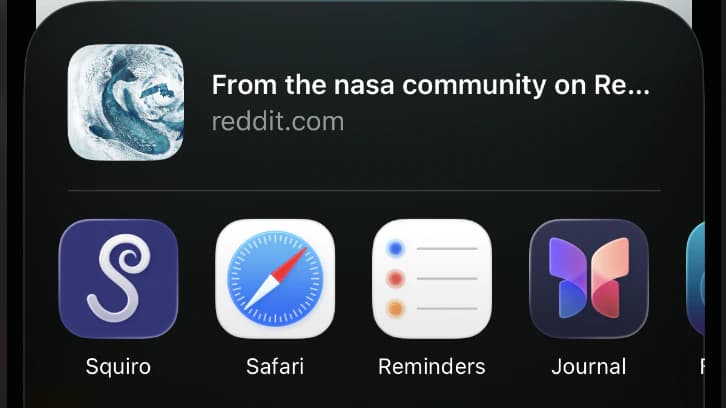
Share a link to Squiro from another app, or paste it in manually — whichever is faster in the moment.
Bookmarks, screenshots, and messages to yourself only work for a moment. Squiro saves any link — posts, videos, articles, products, or anything else worth revisiting — in one place you can actually search again.
Free to download. Upgrade only when you need more space.
From a passing discovery to something organized and easy to find again.
Share a link to Squiro from another app, or paste it in manually — whichever is faster in the moment.
Sort it into a collection and add tags. Edit the title or image whenever you want.
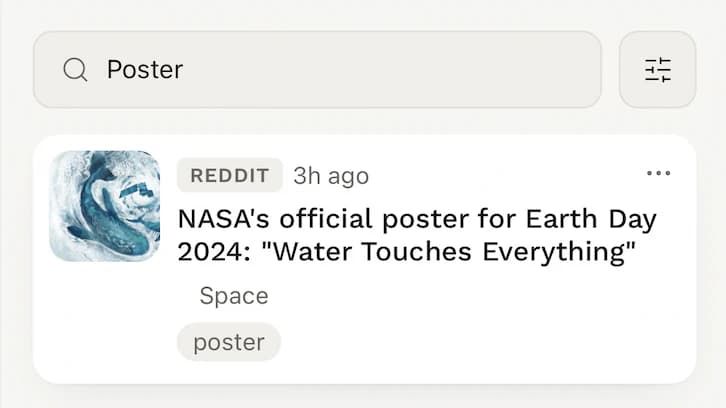
Search or filter by collection, platform, or tag to pull it back up in seconds.
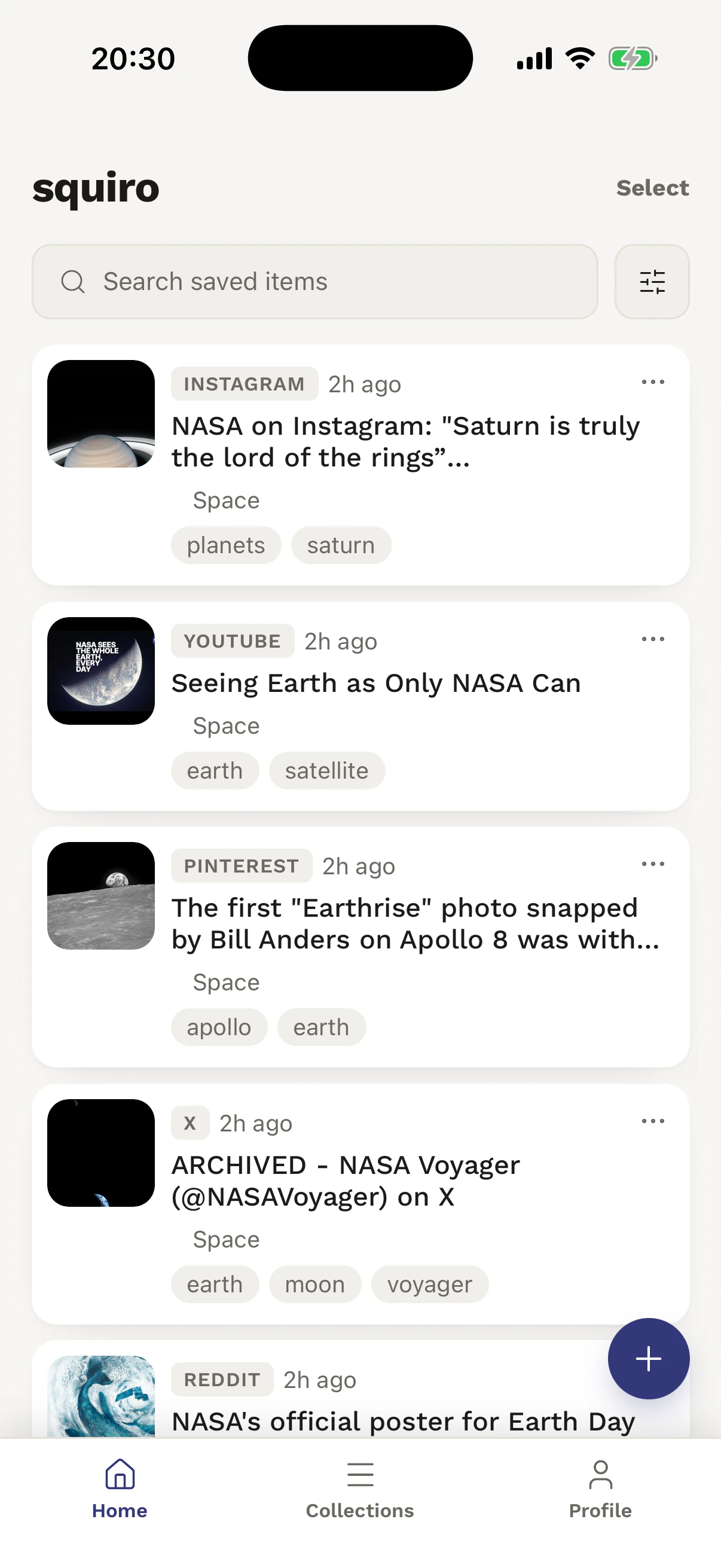
Five real screens. One clear path from saving a link to finding and organizing it later.
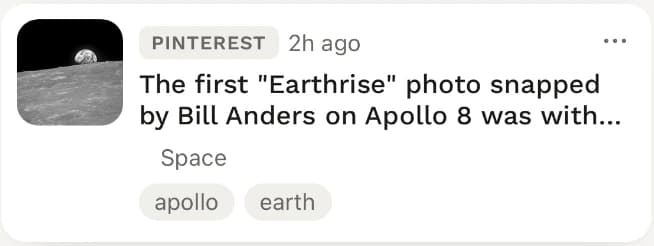
Browse every saved link, search across sources, or jump into filters.
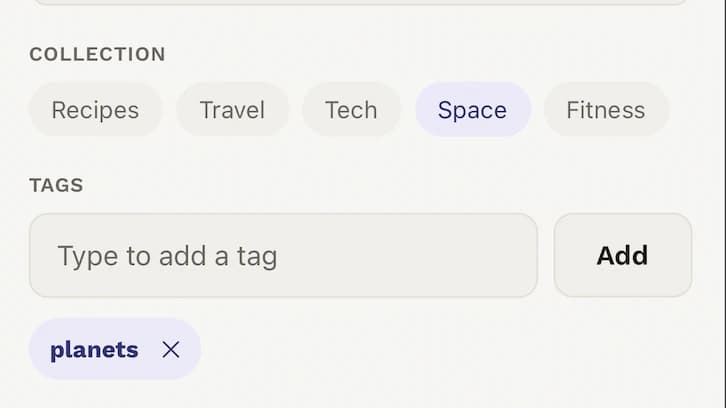
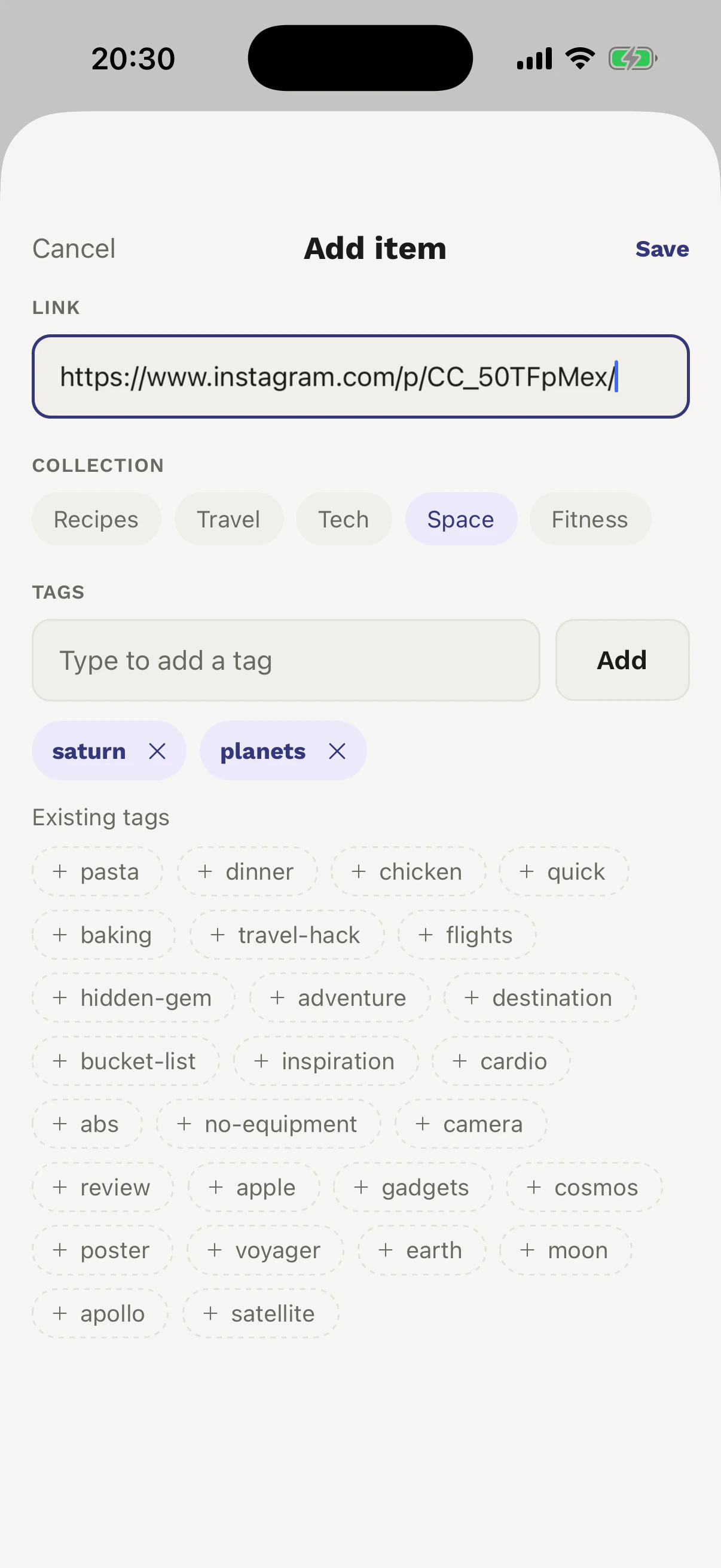
Paste a URL, choose its collection, and attach the tags you will remember.
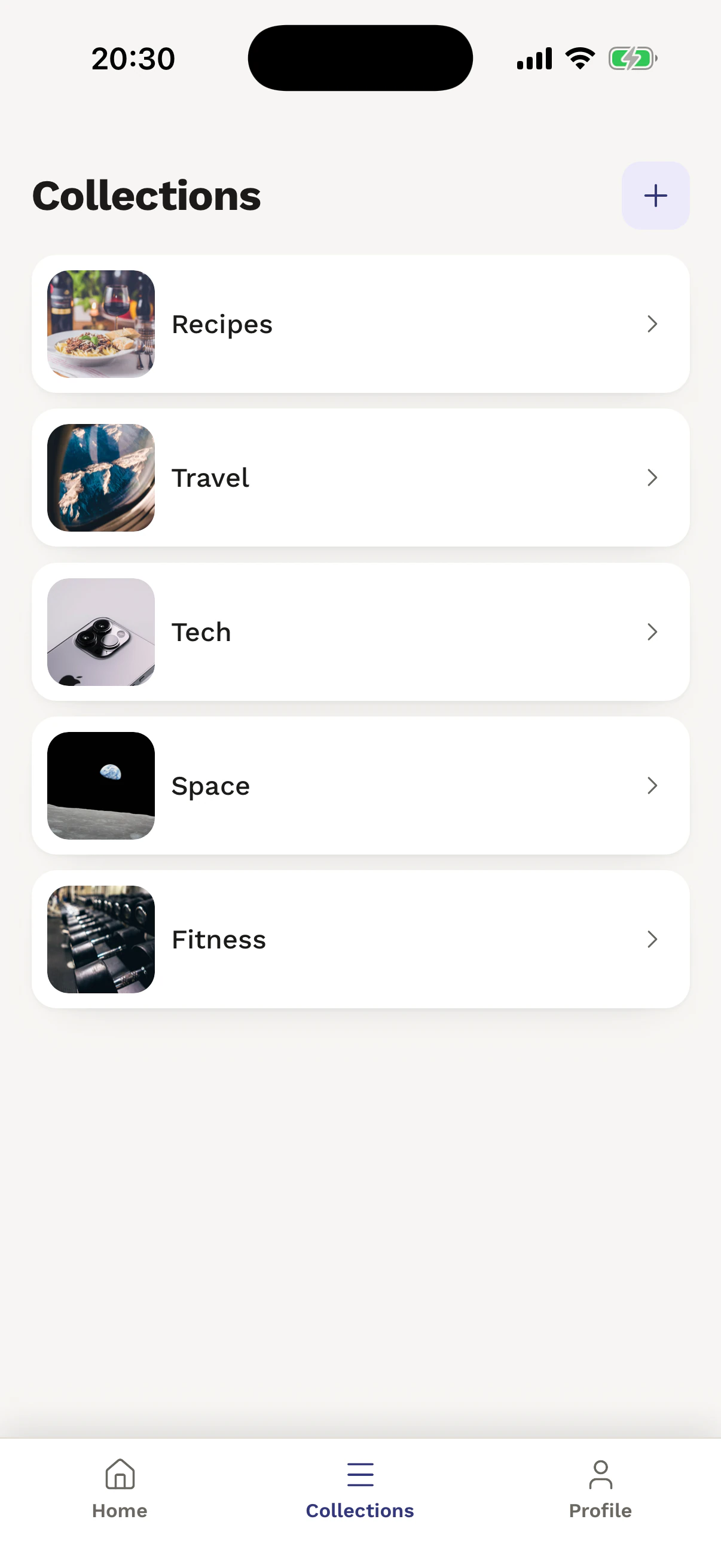
Give every interest its own visual home, from recipes to space.
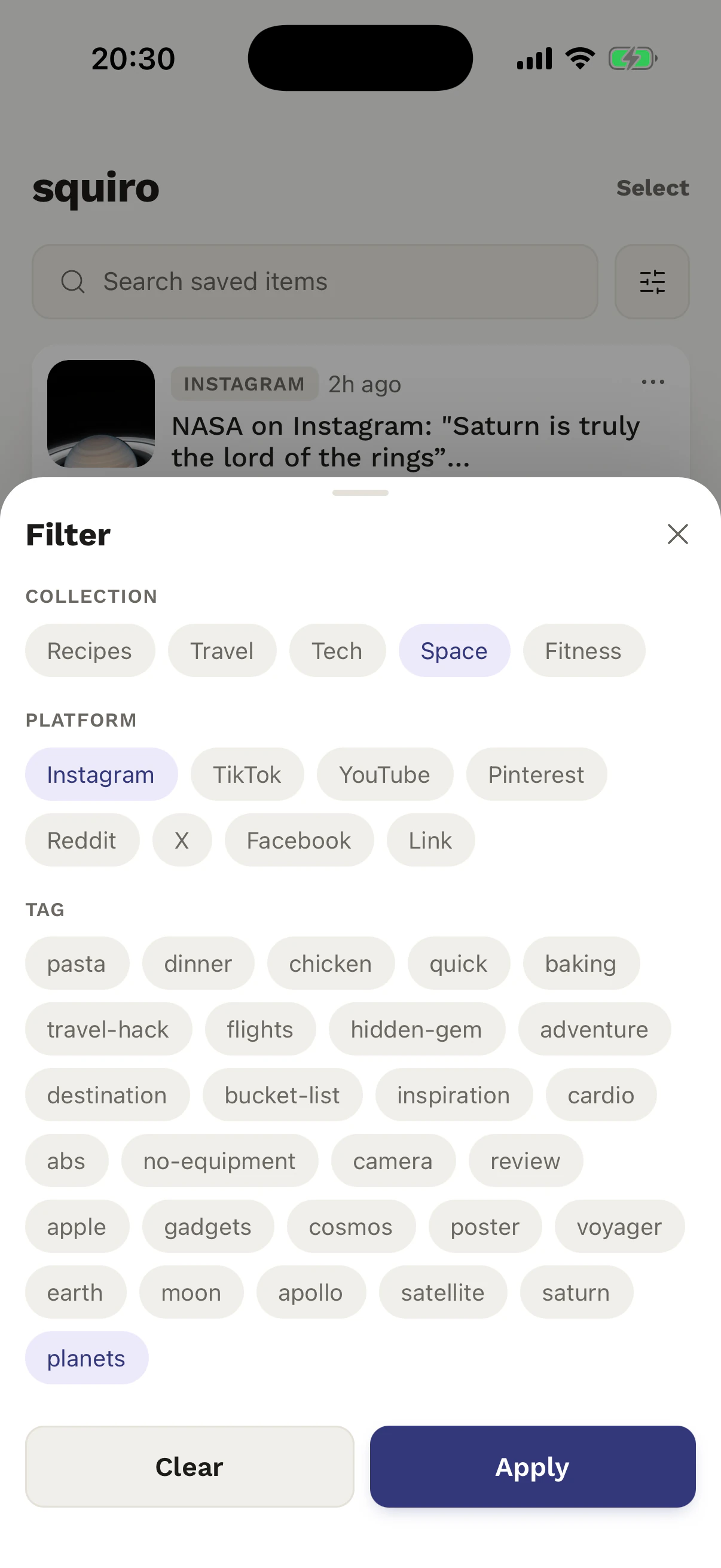
Combine a collection, platform, and tag to narrow a busy library.
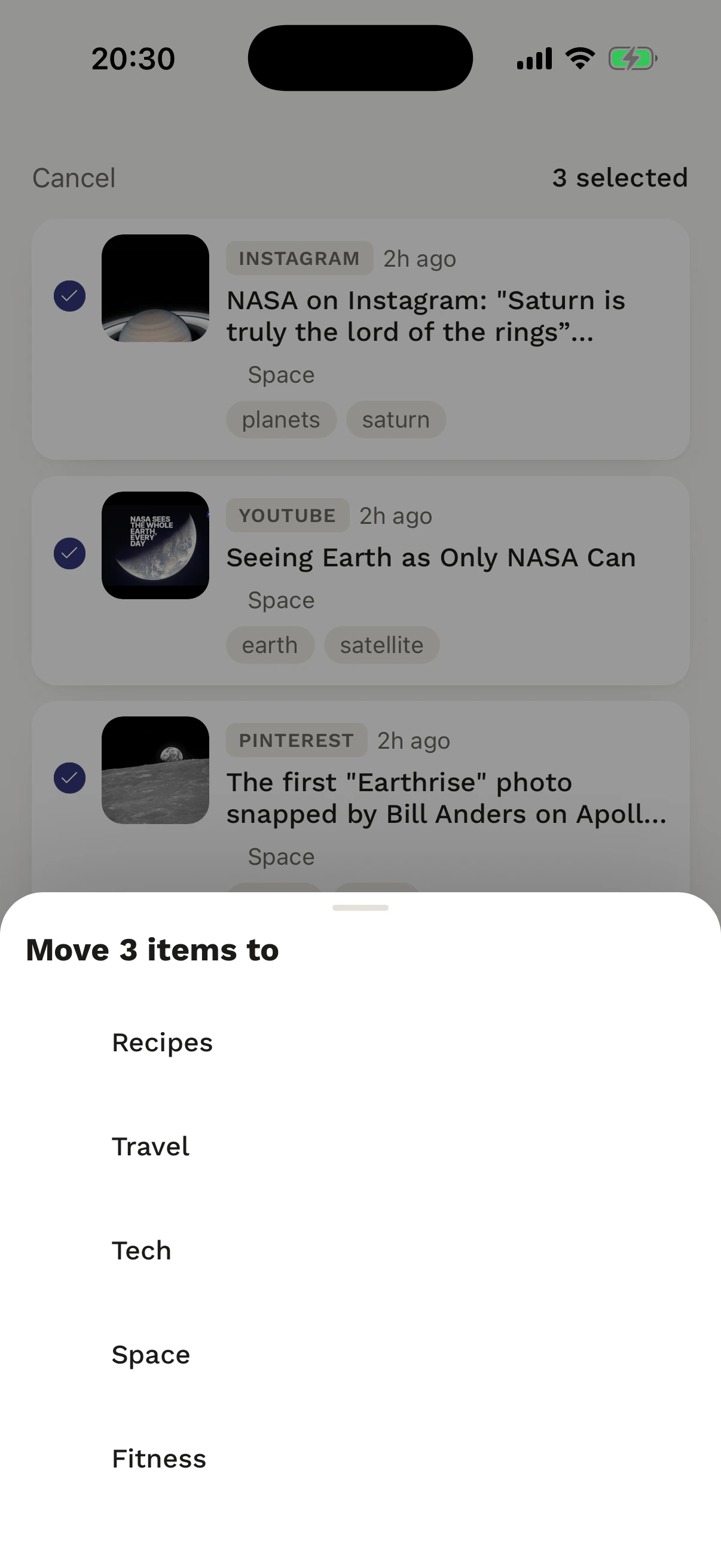
Select a group of saves and send all of them to the right collection.
The Free plan covers everything you need to get going. Pro removes collection and item limits, and adds priority support.
Start building your library.
Full access, billed monthly.
One year, one simple payment.
Purchases are processed by the App Store and can be restored on a new device. If you cancel Pro, your existing collections and items stay in your account — you may just need to remove some content or resubscribe before adding more beyond the Free limit. Prices shown in USD; local pricing and currency are set by the App Store at checkout.
Everything you need before your first save.
Any valid URL — social posts, videos, articles, recipes, products, and anything else you want to revisit. Squiro isn’t limited to a fixed set of platforms.
Yes. Open Add Item in Squiro and paste any valid URL — useful when an app doesn’t expose a shareable link, or when you’ve already copied the address.
Yes. Your account keeps your library available when you sign in on another supported device. Email sign-in is supported; Google and Apple sign-in may also be available.
Free includes everything you need to get started — saving, collections, tags, search, filters, and bulk actions — with a limited number of collections and items. Pro removes those limits and adds priority support.
Squiro invites you to upgrade when you try to save beyond a Free limit. You can upgrade to Pro, or remove existing content to make room.
No. Your existing collections and items stay visible, editable, and deletable. Adding new content beyond the Free limit is blocked until you remove some or resubscribe.
Squiro is available on iOS through the App Store. There is no web version.
Bring your saved posts, videos, articles, products, and ideas together in Squiro.
Free to download on iOS.